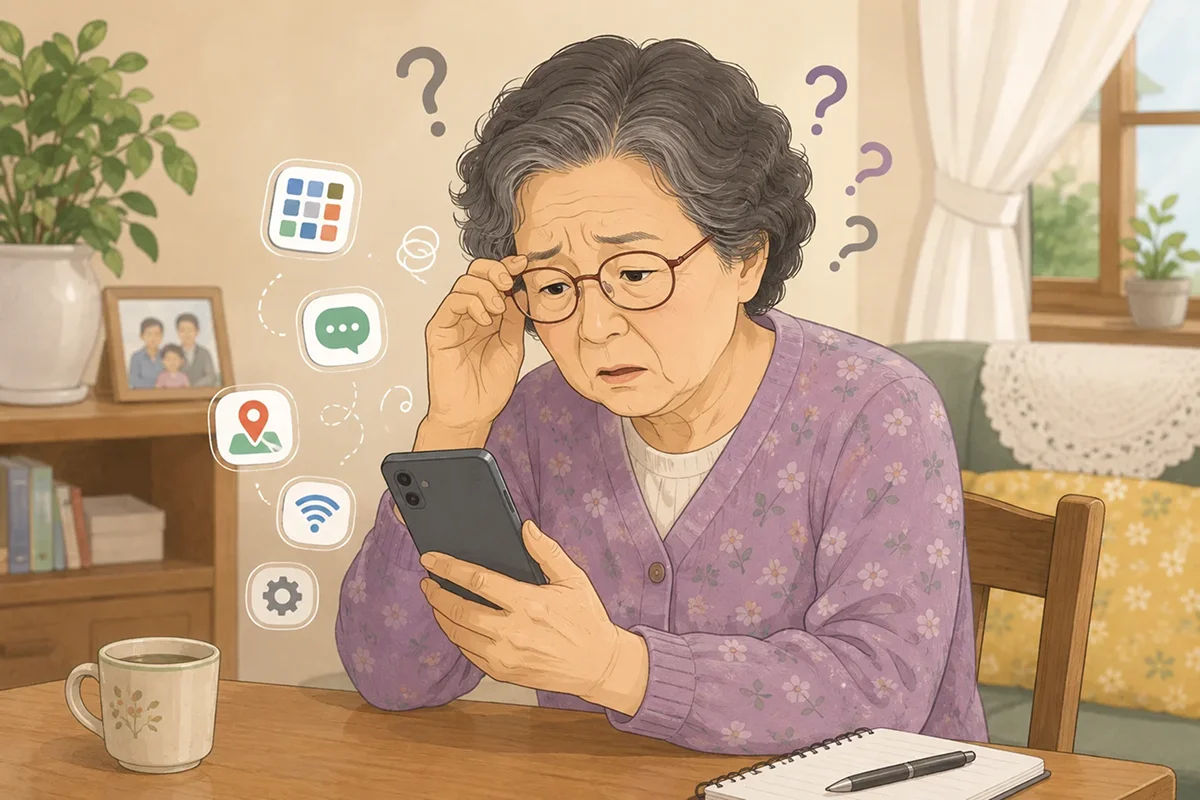
My mom works as a caregiver. Because of her job, she occasionally needs to sign in to an online training portal, complete required workplace courses, and confirm that her training has been recorded.
The training itself was not the hardest part.
The most difficult part was finding the correct website and getting to the right course on her smartphone.
Getting to the Training Website Was Harder Than the Training
Many workplace training programs and continuing education courses are now available online. This makes training more convenient because employees can complete courses from home and study on their own schedule.
However, the process can still be challenging for older adults who are not comfortable using smartphones.
Whenever my mom needed to use her online training portal, she had trouble with several steps:
- Searching for the portal
- Identifying the correct website in the search results
- Entering her username and password
- Finding the course she needed to complete
- Checking whether the course was marked as completed
These steps felt routine to me. But for my mom, every new screen created another question about what she was supposed to tap.
I Couldn’t Always Do It for Her

At first, I helped her every time she needed to take a course.
I searched for the training portal, opened the login page, and helped her find the correct course. My mom completed the actual training herself, but she still depended on me to get to the right page.
The problem was that I could not always be there.
When I was busy or away from home, she sometimes had difficulty getting started. Instead of helping her one course at a time, I wanted to create a simple system she could use on her own.
I Saved Her Training Pages in Urlala
To keep my mom from searching for the same website every time, I saved her training portal in Urlala.
I gave each page a simple, easy-to-recognize name and placed all of her training-related links in one folder.
For example, I organized the links like this:
- Caregiver Required Training
- Training Portal Login
- Current Courses
- Training Completion Records
She no longer had to remember a complicated web address or choose the correct result from a search page.
Now, she could open Urlala, select her training folder, and tap the page she needed.
After Practicing Together, She Could Do It on Her Own
We practiced the process together a few times:
- Open Urlala on the smartphone.
- Select the training folder.
- Tap the saved training portal link.
- Sign in and open the current course.
- Complete the course and check the completion status.
Once we removed the website-searching step, the process became much easier for her.
After a few practice sessions, she could open the saved link and start her online training even when I was not there.
In the past, she would ask, “How do I get to the training website?”
Now, she can find the correct page and begin the course by herself.
She Successfully Completed Her Required Training

My mom eventually completed the required training on her own.
I did not take the course for her. I simply made the process of reaching the course easier.
Saving a few links may have seemed like a small task to me, but it made a meaningful difference for her. She no longer had to wait for my help, and she gained confidence from completing an important task on her smartphone.
It also felt more helpful than simply doing everything for her.
Older Adults Benefit from Simple Link Organization
More everyday services are moving online, including healthcare appointments, government benefits, transportation, banking, and workplace training.
For many older adults, the service itself may not be the main problem. The harder part is finding the correct website and returning to the right page later.
Saving frequently used pages with clear names can make these services much easier to access.
Useful links to organize may include:
- Workplace training and continuing education
- Caregiver or home health aide resources
- Doctor appointments and health screenings
- Social Security and government services
- Transportation and ticket reservations
- Frequently visited news and video websites
When family members practice the process with them a few times, parents may become much more comfortable opening the pages they need.
Help Them Do It Independently Instead of Doing It for Them
When parents have trouble using a smartphone, it can feel faster to complete the task for them.
However, we cannot always be available. A more lasting solution may be to organize the websites they frequently use and show them how to return to those pages on their own.
Saving my mom’s online training portal in Urlala was a small change. But it helped her complete her required training and gave her more confidence using her smartphone independently.
When your parents have difficulty finding online training, healthcare, or government service websites, try organizing the pages they use most often with simple, recognizable names.
It does not need to be complicated. A small improvement can make everyday digital tasks much easier for them.