We’re excited to announce that Urlala is now available on the iOS App Store!
You can now easily save and organize your favorite websites and URLs you want to revisit later, right from your iPhone.
If you find it inconvenient to see the paste permission prompt every time you open Urlala, go to Settings and set [Paste from Other Apps] to Allow.
Key Features
Quickly Save Links
Easily save URLs from websites, news articles, videos, documents, and more.
Organize Links into Folders
Keep your saved links organized in folders so you can quickly find them whenever you need them.
Sync Across Devices
Sign in with Apple or Google to access and sync your saved links across PC and mobile devices.
Save Links from Other Apps
Found something useful in another app? Use the iOS Share feature to save it directly to Urlala.
How to Install
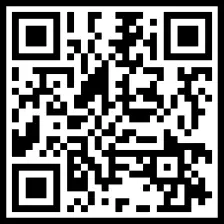
Click the link below or scan the QR code to install Urlala.
Download Urlala on the App Store
There’s still plenty of room for improvement, and we’ll continue working to make Urlala even easier and more convenient to use.
Thank you for using Urlala!