Install Urlala in Safari on mobile
InstallSafari 2 min
Install Urlala on your Home Screen from Safari on mobile to launch it quickly like a regular app.
1. Open Urlala in Safari
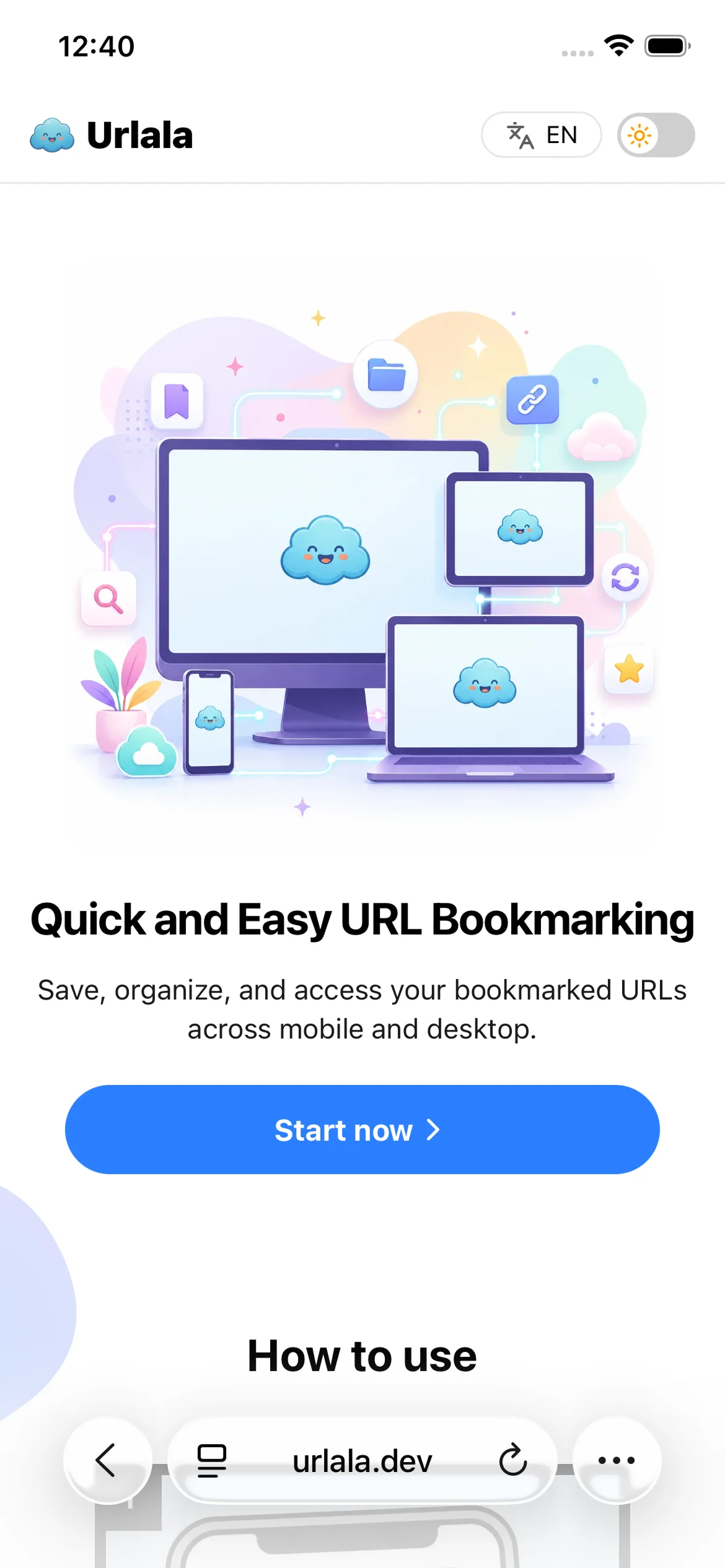
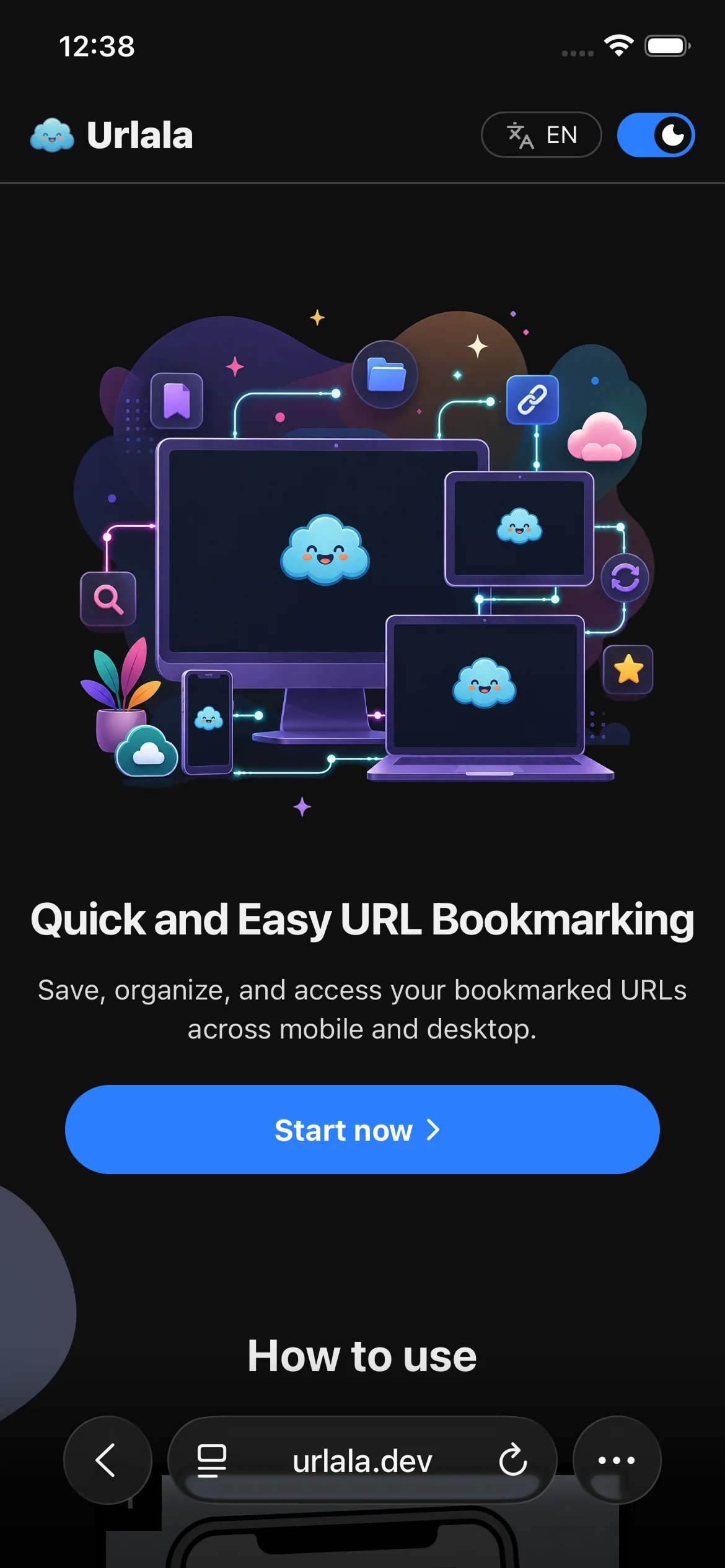
Go to https://urlala.dev in Safari, then tap the browser's More button.
2. Select Share
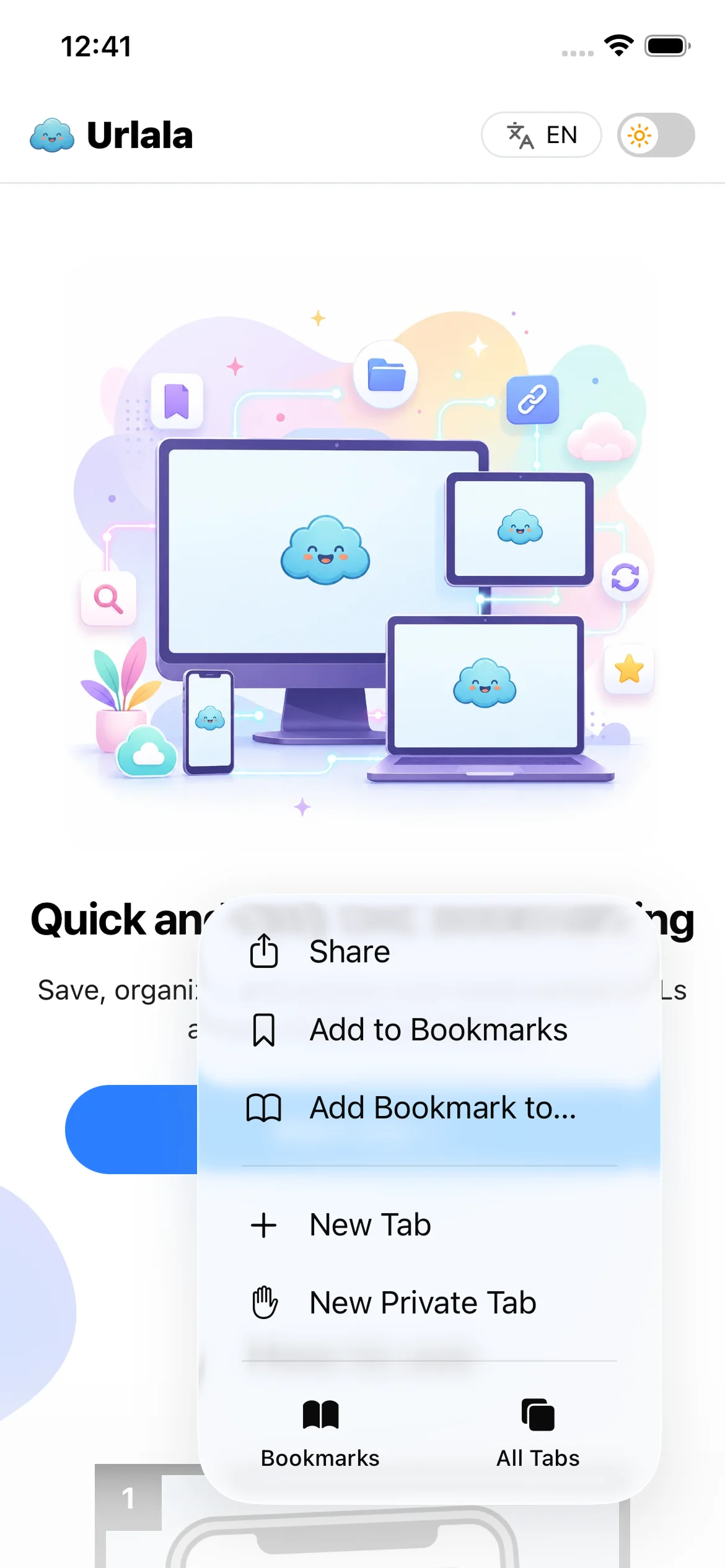
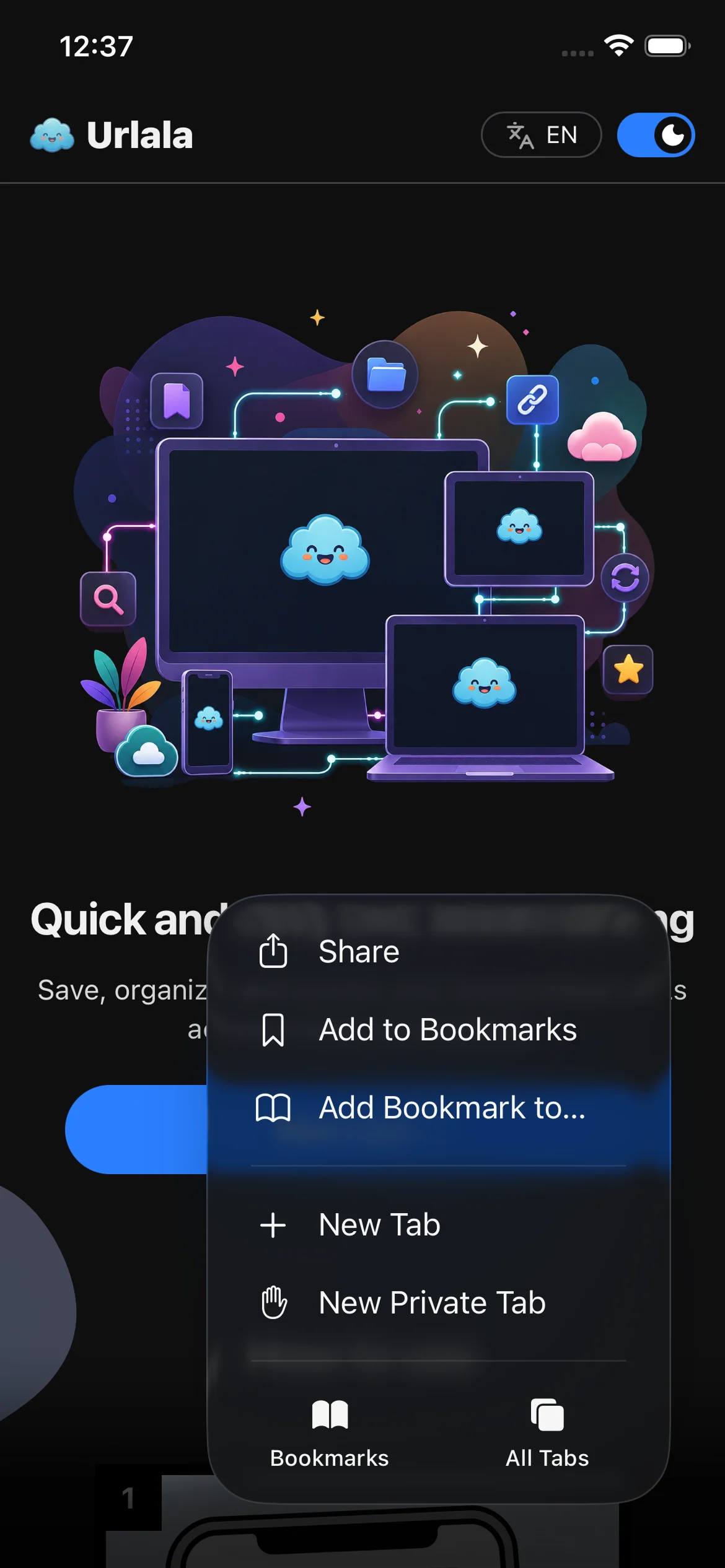
Select Share from the menu that appears.
3. Open More
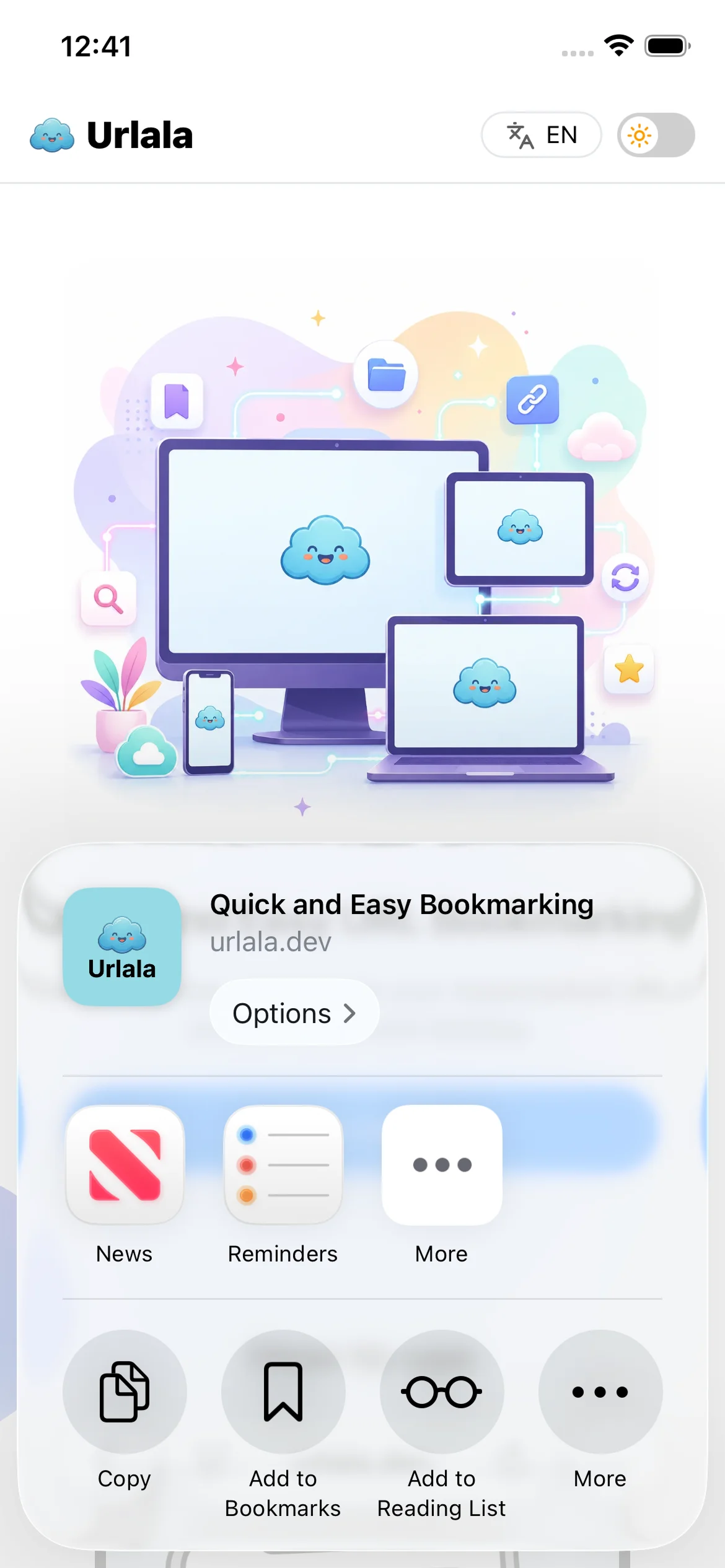
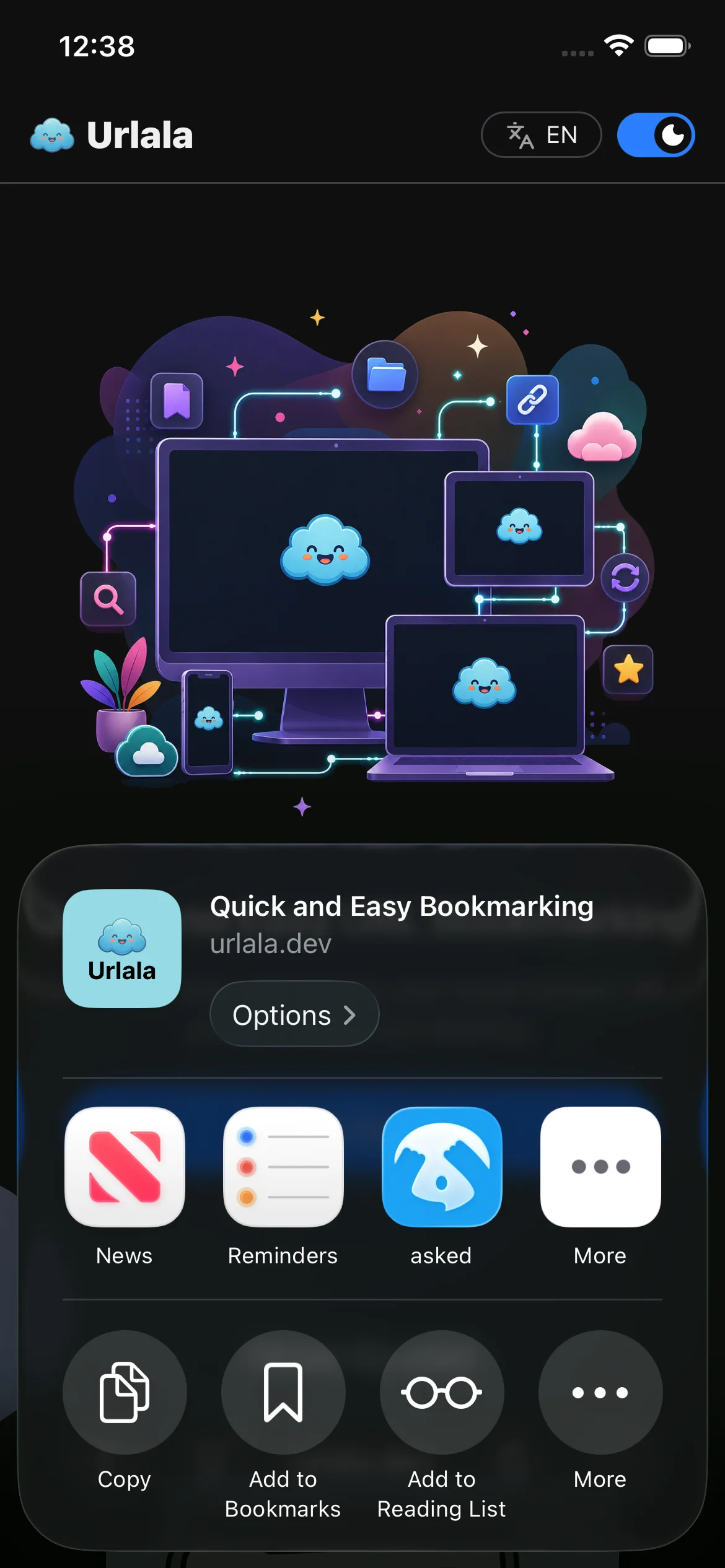
Tap the More button in the Share menu.
4. Add Urlala to the Home Screen
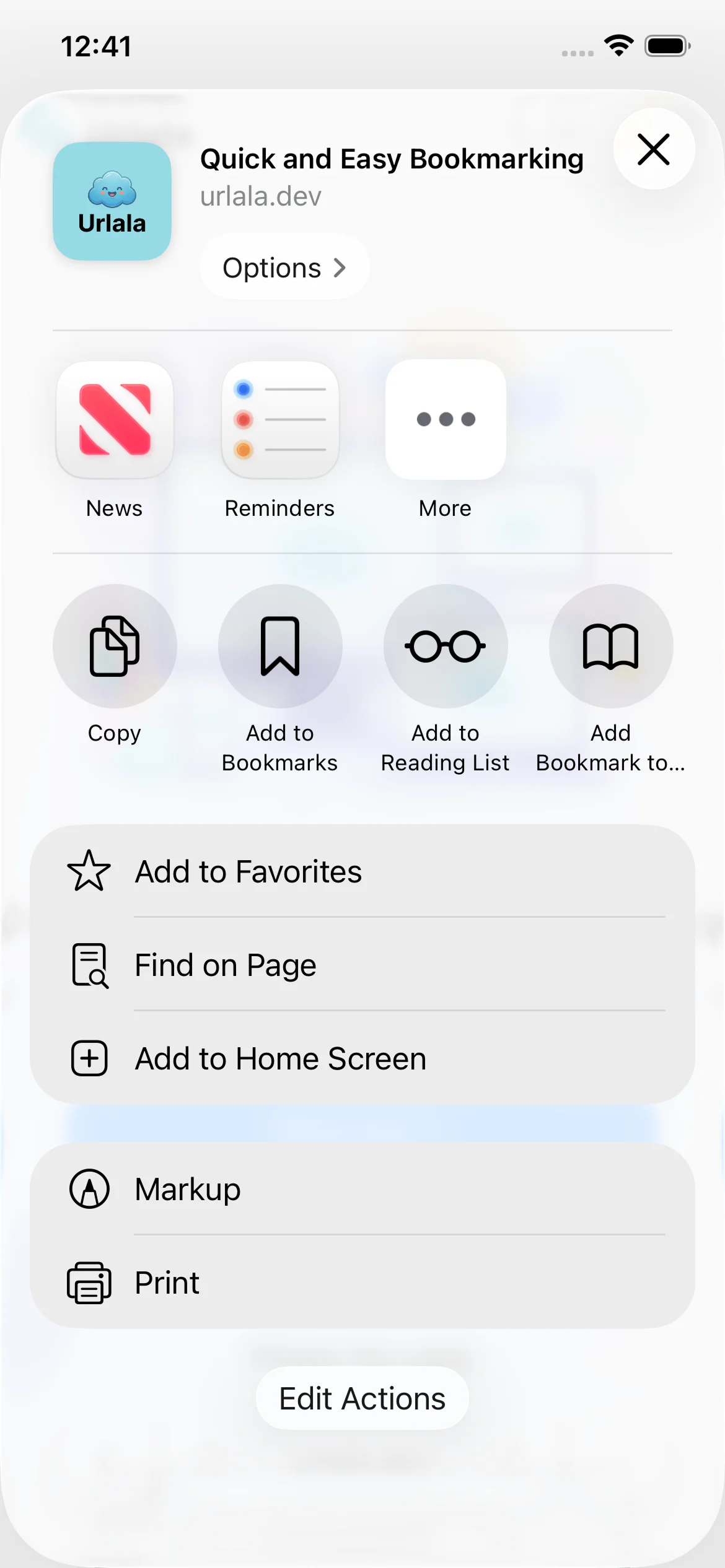
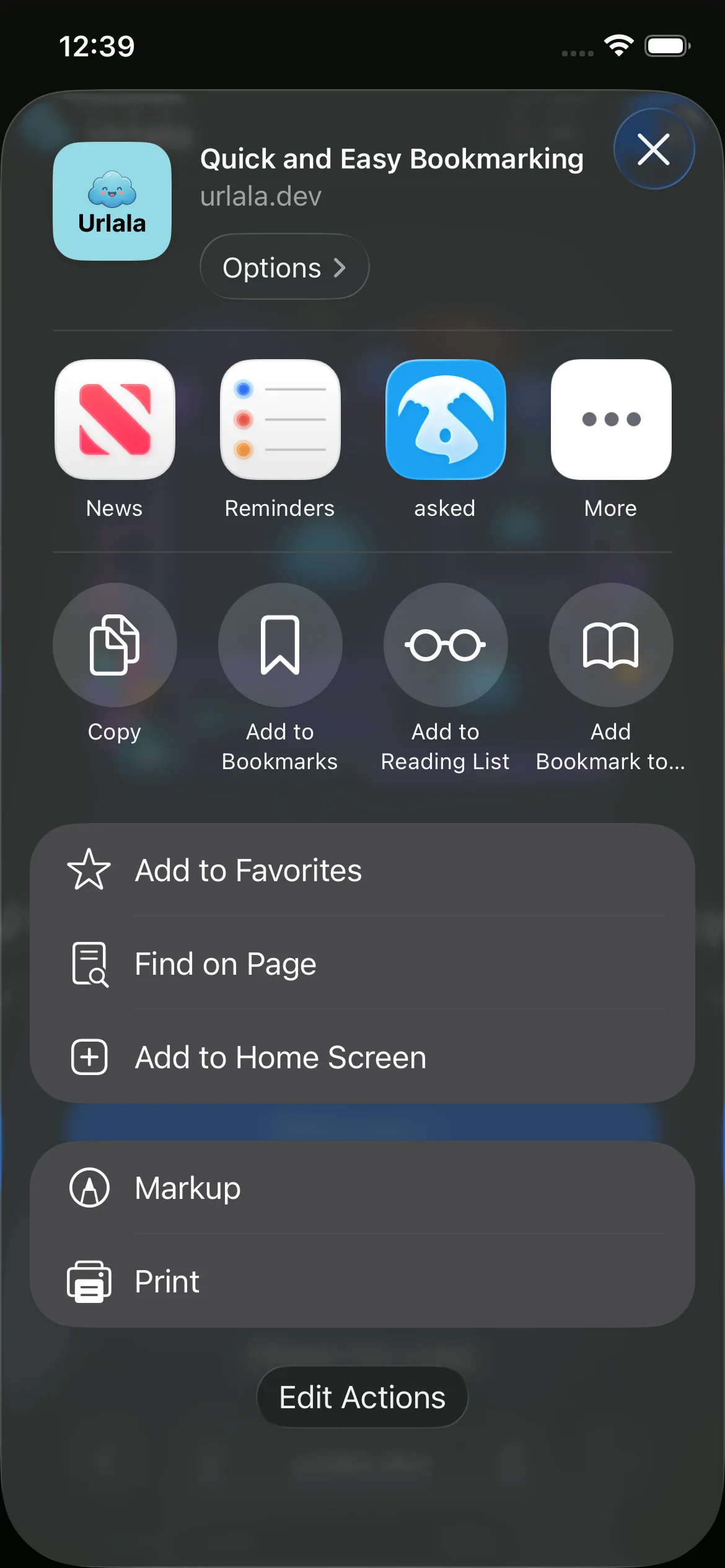
Select Add to Home Screen from the list of actions.
5. Install Urlala as a web app
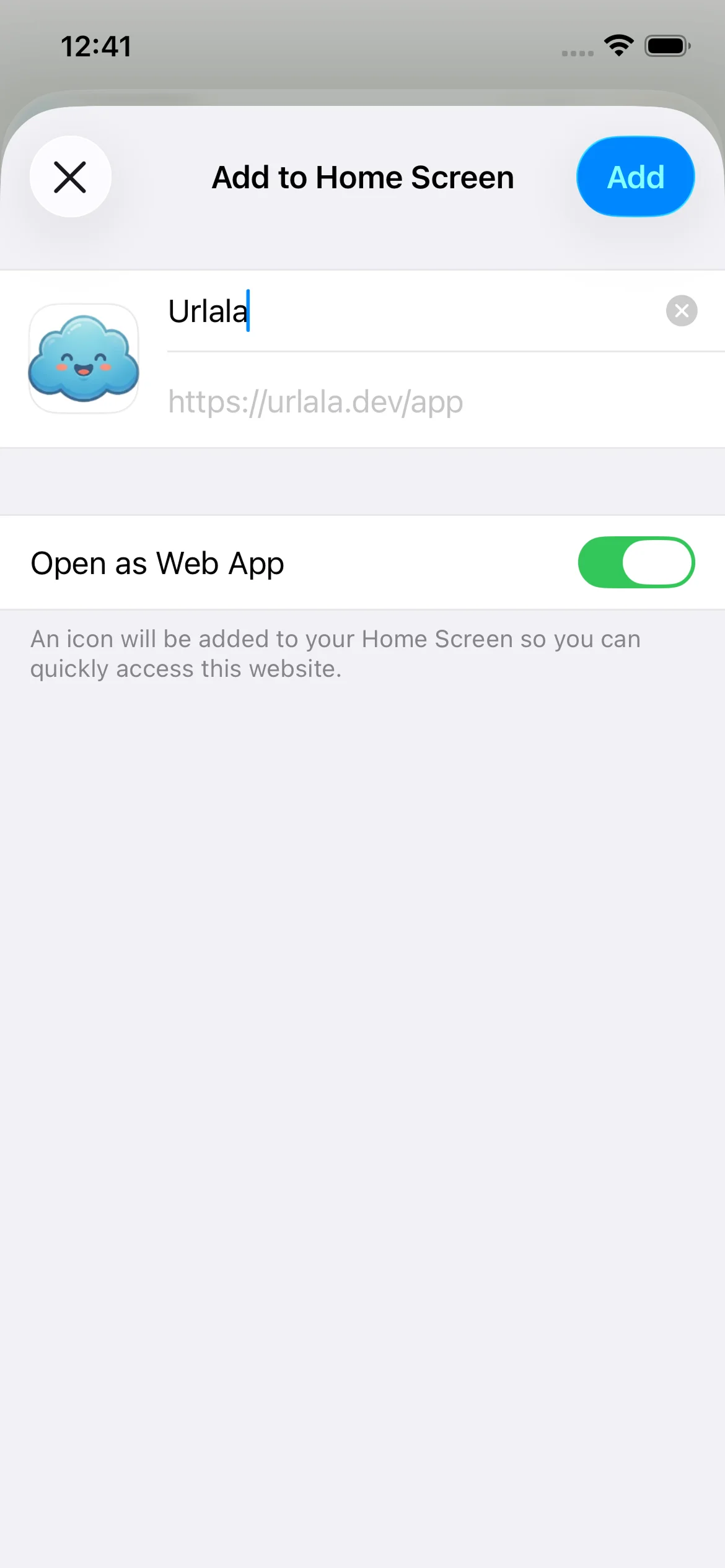
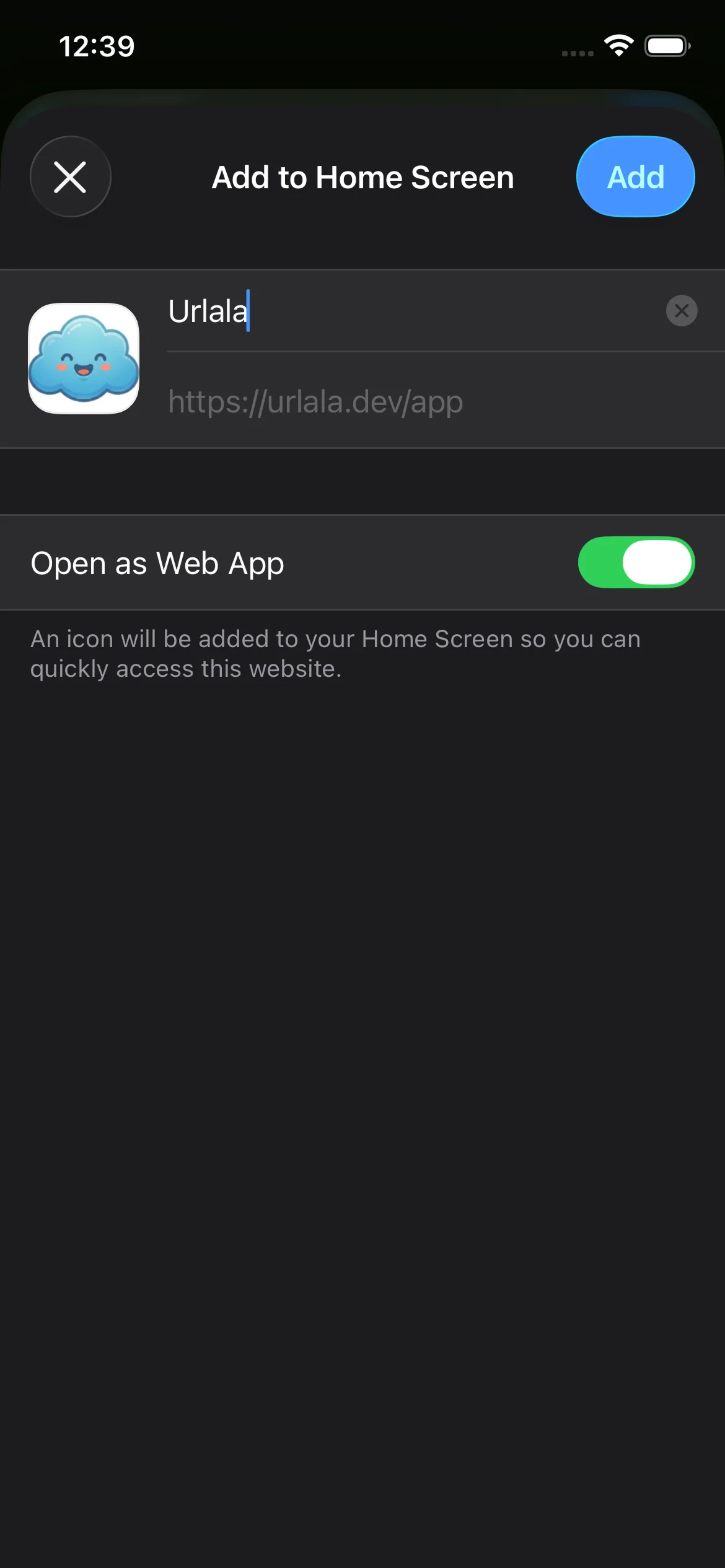
Make sure Open as Web App is enabled, then tap Add. Safari installs Urlala on your Home Screen.
6. Find Urlala on the Home Screen
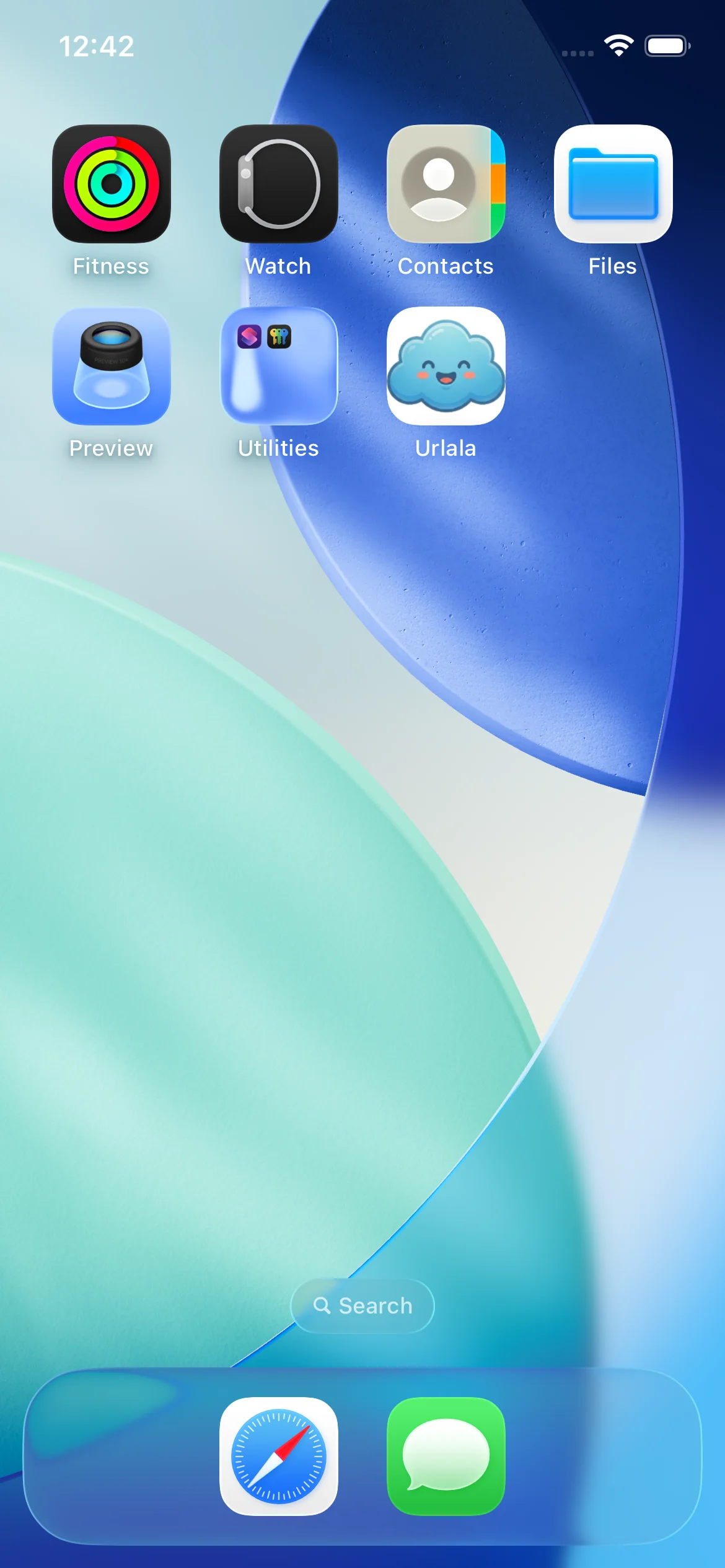
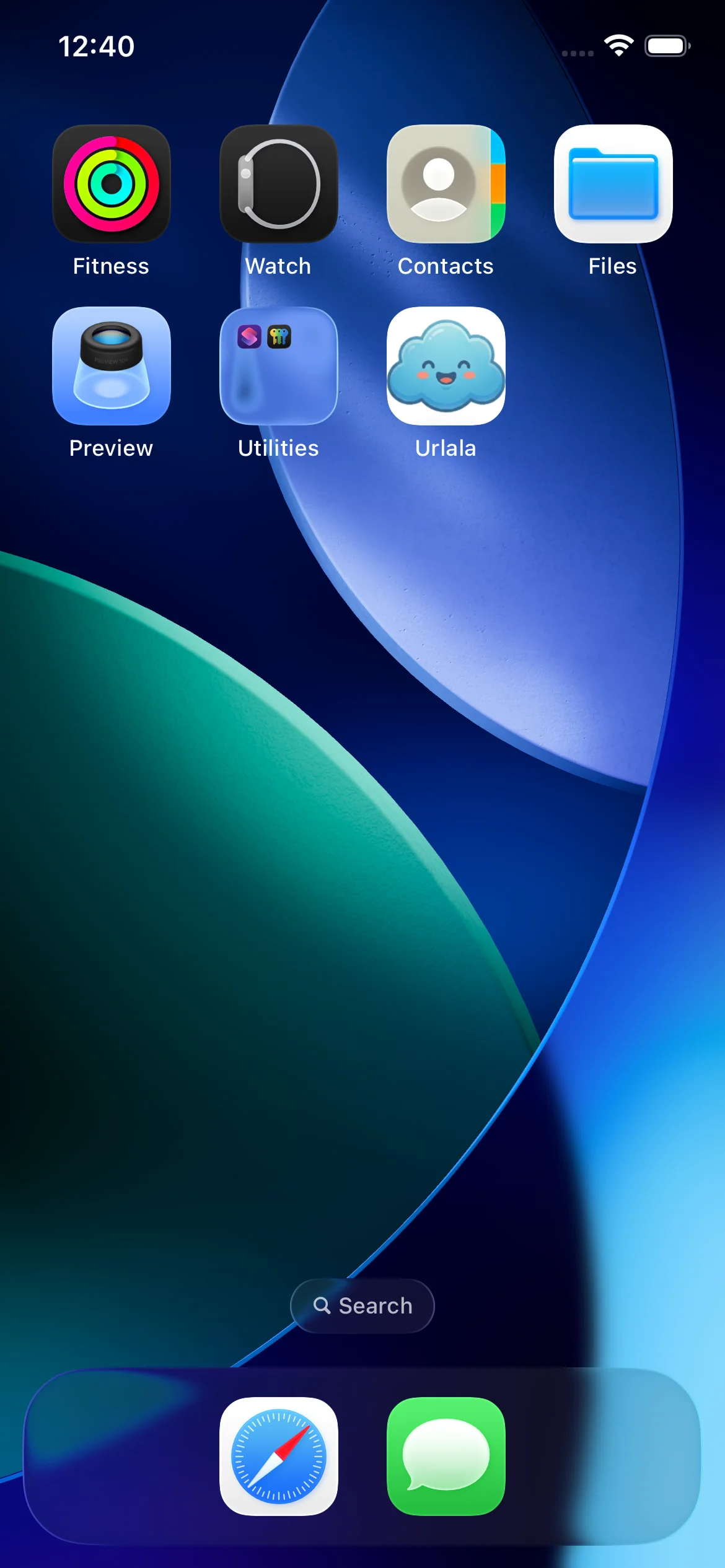
Once installation is complete, you can find the Urlala icon on your Home Screen. Tap the icon to launch Urlala.
7. Open the installed Urlala app
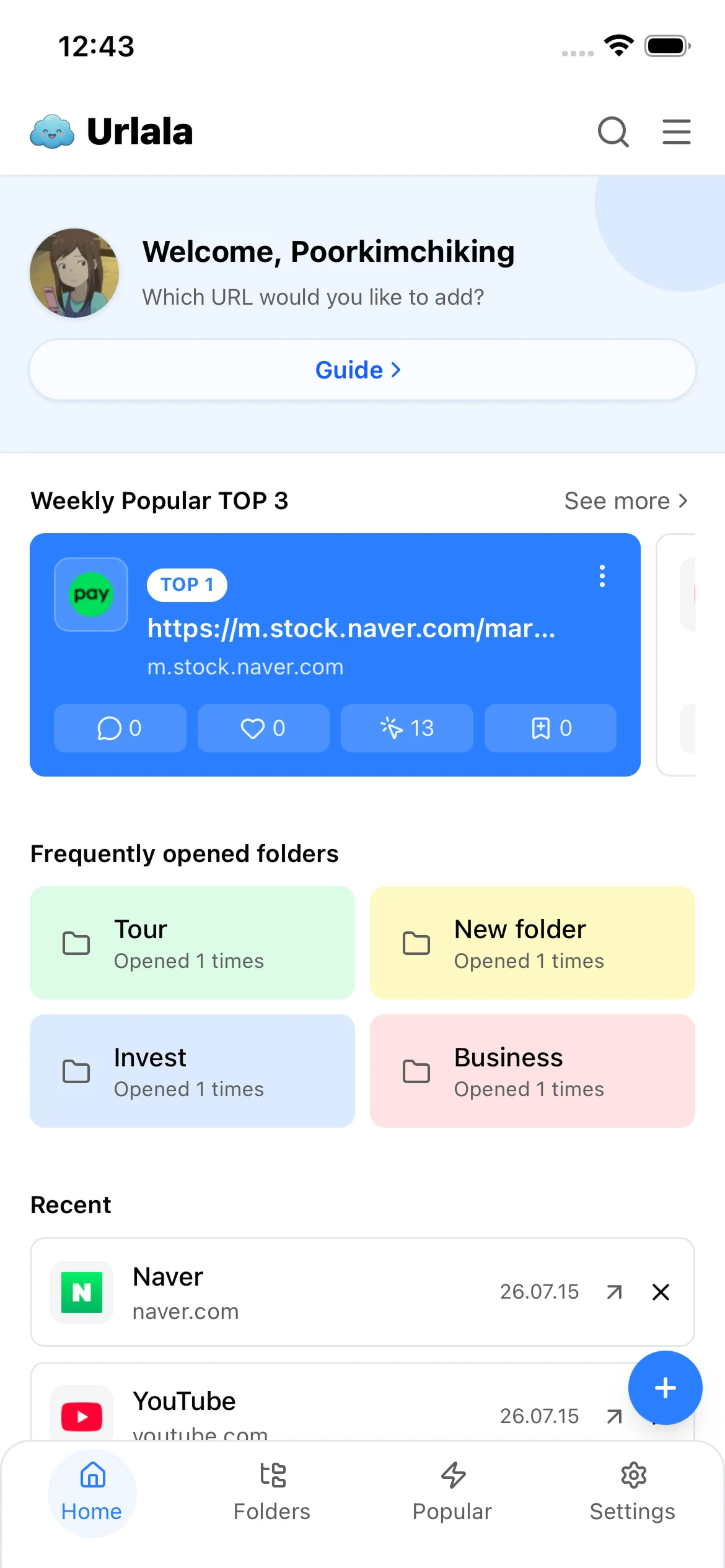
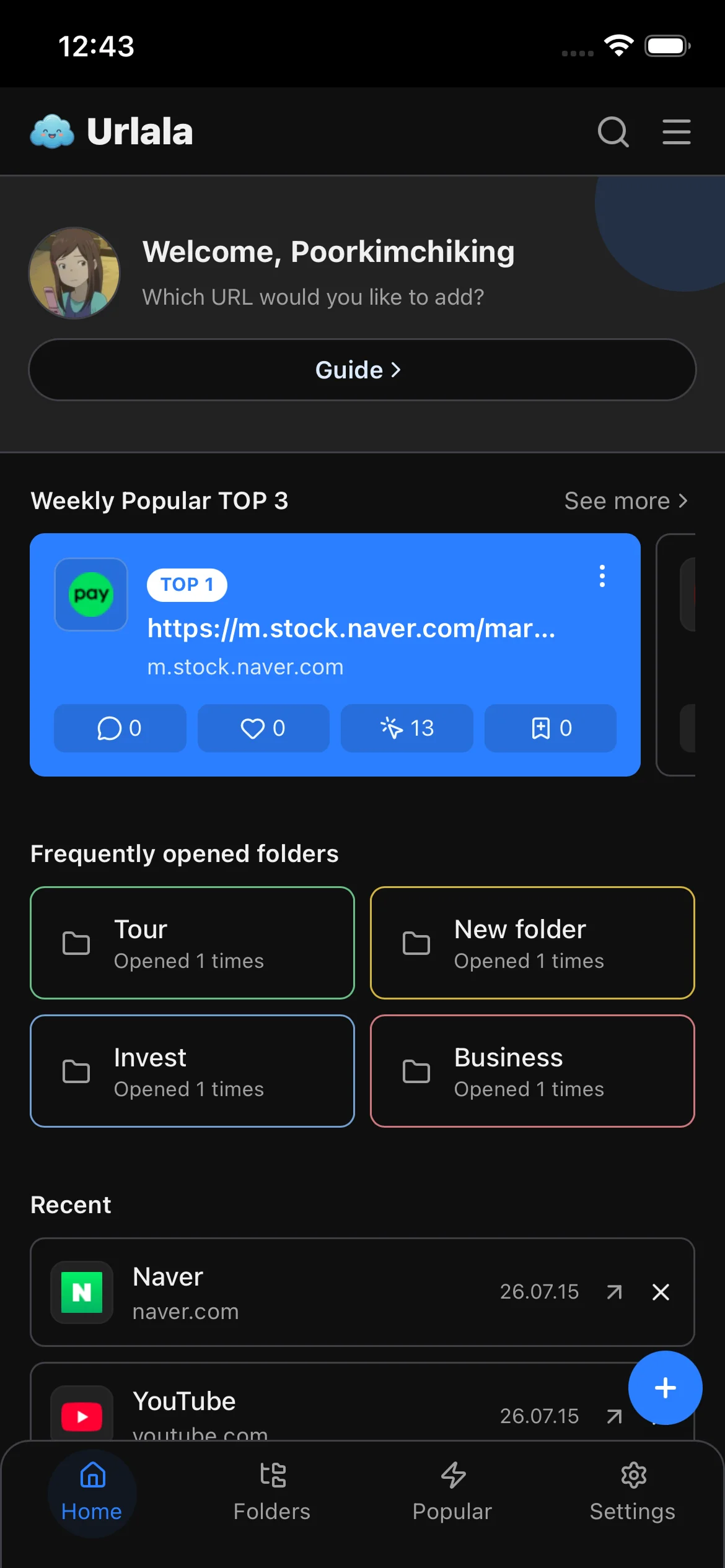
The installed version of Urlala opens in its own app window instead of a Safari tab. You can now launch Urlala directly from your Home Screen.